


Hey there, printing enthusiasts! As a supplier of Oval Digital Printing Machines, I get a ton of questions about how to ensure color accuracy in prints. It's a crucial aspect of high-quality printing, whether you're printing on T-shirts, umbrellas, or other items. So, let's dive right into it and explore some practical tips and tricks to make sure your prints look exactly as you envision.
1. Calibrate Your Machine Regularly
First things first, calibration is key. Just like you'd tune a guitar to get the right notes, you need to calibrate your Oval Digital Printing Machine to get the right colors. Over time, factors like temperature, humidity, and normal wear and tear can affect your machine's performance. That's why it's important to calibrate it on a regular basis.
Most modern Oval Digital Printing Machines come with built-in calibration tools. These tools help you adjust the color settings so that the colors you see on your screen match the colors that come out of the printer. Make sure to follow the manufacturer's instructions carefully when calibrating your machine. It might seem like a hassle at first, but it'll save you a lot of time and headaches in the long run.
2. Use High - Quality Inks and Substrates
You know the saying, "You are what you eat." Well, in the world of printing, your prints are what you print with. Using high - quality inks and substrates is essential for color accuracy.
When it comes to inks, opt for inks that are specifically designed for your Oval Digital Printing Machine. These inks are formulated to work well with the machine's printing technology and provide consistent, vibrant colors. Cheaper inks might seem like a good deal at first, but they can lead to color variations, fading, and other issues down the line.
The substrate also plays a huge role. Different fabrics, papers, and other materials absorb ink differently. So, make sure to choose a substrate that is suitable for your printing needs. For example, if you're printing on T-shirts, look for fabrics that are pre - treated for digital printing. This will help the ink adhere better and result in more accurate colors. You can check out our Oval Automatic T-shirt Screen Printing Machine for great T-shirt printing options.
3. Manage Your Work Environment
Your work environment can have a big impact on color accuracy. Temperature and humidity are two major factors that can affect the way your inks dry and how they interact with the substrate.
Ideally, you should keep your printing area at a consistent temperature and humidity level. Most printing experts recommend a temperature between 68 - 72°F (20 - 22°C) and a humidity level of around 40 - 60%. You can use a thermometer and a hygrometer to monitor these conditions. If necessary, invest in a climate control system to keep the environment stable.
Another thing to consider is lighting. The lighting in your work area can influence your perception of color. Make sure to use natural - looking lighting when you're checking the color accuracy of your prints. Avoid using fluorescent lights, as they can distort colors.
4. Optimize Your Image Files
Before you send an image to your Oval Digital Printing Machine, it's important to optimize it. This means making sure the image is in the right format, resolution, and color mode.
Most printing machines work best with images in the CMYK color mode. RGB is great for on - screen viewing, but it doesn't translate well to the printing process. So, convert your images from RGB to CMYK before printing.
The resolution is also crucial. A low - resolution image will look pixelated and blurry when printed. Aim for a resolution of at least 300 dpi (dots per inch) for the best results. You can use image editing software like Adobe Photoshop to adjust the color mode and resolution of your images.
5. Conduct Test Prints
Don't just jump straight into printing a large batch of items. Instead, conduct test prints first. This will allow you to check the color accuracy and make any necessary adjustments before you start printing on a larger scale.
Print a small sample of your design on the same substrate you'll be using for the final prints. Compare the colors of the test print with your original image. If there are any color discrepancies, you can adjust the color settings on your machine or in your image editing software.

6. Keep Your Machine Clean
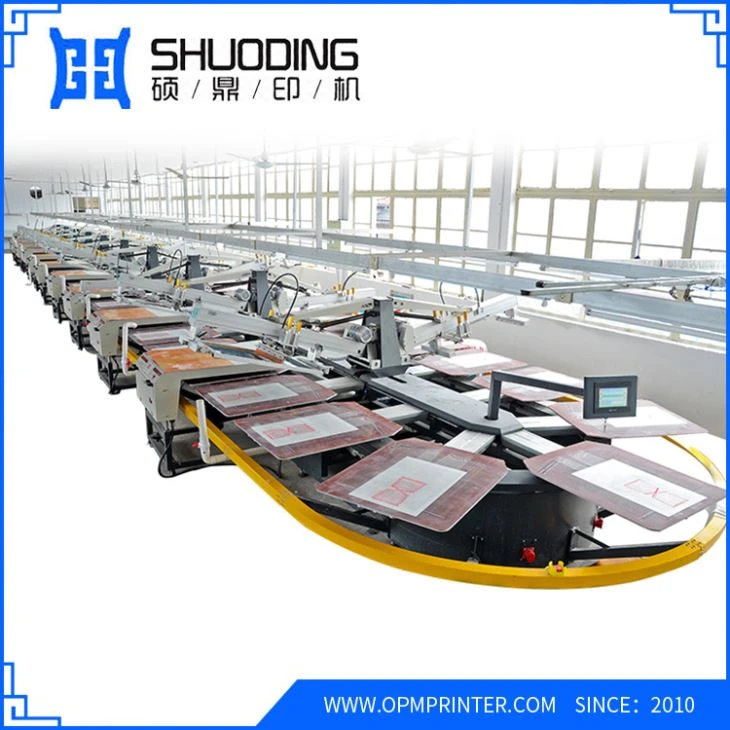
A dirty machine can cause all sorts of problems, including color inaccuracies. Over time, ink residue, dust, and debris can build up inside your Oval Digital Printing Machine, affecting its performance.
Make sure to clean your machine regularly. Follow the manufacturer's cleaning instructions carefully. Use the recommended cleaning solutions and tools. This will help keep your machine in good condition and ensure consistent color accuracy in your prints.
7. Stay Up - To - Date with Technology
The printing industry is constantly evolving, and new technologies are emerging all the time. To ensure the best color accuracy, it's important to stay up - to - date with the latest advancements in Oval Digital Printing Machine technology.
Keep an eye on industry news, attend trade shows, and read technical blogs. This will help you learn about new features and improvements that can enhance color accuracy. You might also want to consider upgrading your machine if it's getting old and can't keep up with the latest printing standards.
Conclusion
Ensuring color accuracy in prints from an Oval Digital Printing Machine is a multi - faceted process. It involves calibrating your machine, using high - quality inks and substrates, managing your work environment, optimizing your image files, conducting test prints, keeping your machine clean, and staying up - to - date with technology.
If you're interested in purchasing an Oval Digital Printing Machine or need more information on how to achieve the best color accuracy, feel free to reach out to us. We're here to help you make the most of your printing experience. Whether you're a small - scale printer or a large - scale production facility, we've got the right solutions for you. Check out our other printing machines like the Digital Umbrella Printing Machine, Disc Digital Printing Machine, Oval T Shirt Screen Printing Machine, and Displacement Garment Printing Machine.


